How to Translate Video Subtitles Automatically in 2026
Complete guide to translating video subtitles with AI. Tools, step-by-step workflow, and hard data on how multilingual captions boost views.
Why translated subtitles are non-negotiable in 2026
Three forces are converging to make multilingual subtitles a must-have, not a nice-to-have.
The audience demand. YouTube's data shows that creators with multi-language audio tracks get 25%+ of their watch time from non-primary languages. Videos with captions are watched to completion by 91% of viewers, compared to 66% without (Verizon Media). That's not a marginal gain — it's nearly 40% more completions.
The regulatory push. The European Accessibility Act (EAA), enforced since June 2025, requires 90% of video content to include accurate, synchronized captions. Penalties range from EUR 50,000 per product in Germany to EUR 200,000 in Sweden. Even US-based creators are affected if they serve EU audiences or work with European brands.
The cost collapse. AI translation now costs $0.12 per second of video. Human dubbing costs $8-15 per second. That's a 98.5% reduction (Technology Org, 2025). Translating a 10-minute video's subtitles into three languages costs roughly $20 with AI tools — less than a month of Netflix.
For social media managers juggling multiple platforms, translated subtitles are a multiplier. See our social media manager's guide for a broader strategy.
Sources
- 25%+ of watch time from non-primary languages on YouTube — YouTube Blog (2026)
- 91% vs 66% completion rate with/without captions — Verizon Media / Publicis Media (2019)
- EAA penalties: EUR 50,000 (Germany), EUR 200,000 (Sweden) — Limecraft / 3Play Media (2025)
- AI translation cost: $0.12/s vs $8-15/s human dubbing — Technology Org (2025)
How automatic subtitle translation works
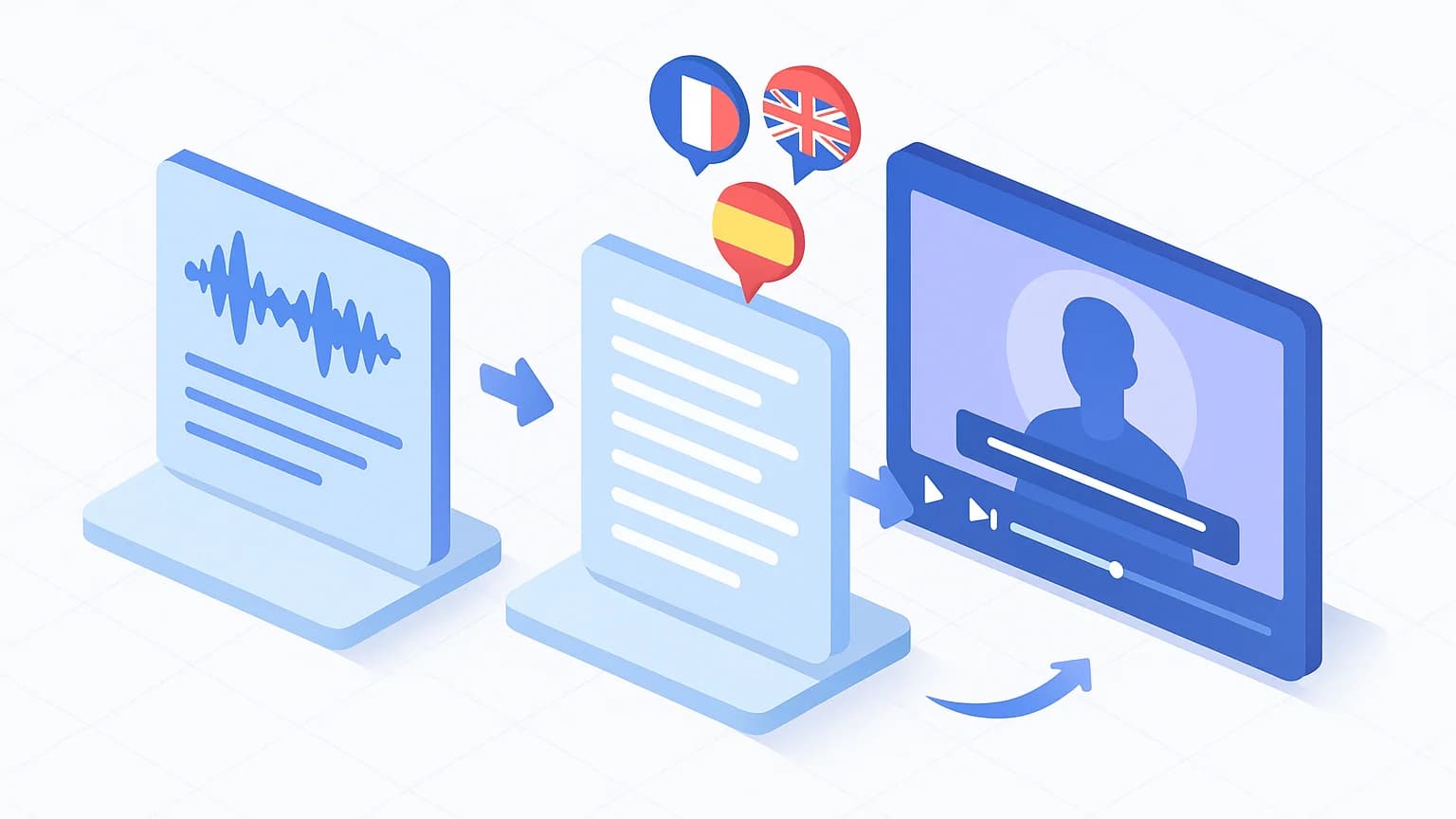
AI subtitle translation is a three-stage pipeline. Understanding each stage helps you pick the right tools and avoid quality traps.
Stage 1: Transcription
The AI listens to your video and generates a timed text file (SRT or VTT) with word-level timestamps. This is the foundation. YouTube's auto-captions hit roughly 70% accuracy (Social Media Today, 2025). Specialized tools reach 95-98% by using larger AI models trained on diverse accents and speaking styles. MagicClip's automatic subtitles use word-level synchronization for frame-accurate results.
Stage 2: Translation
The transcribed text is translated into the target language. Modern LLMs handle context, idioms, and register far better than the phrase-based models of 5 years ago. The best tools preserve timestamps during translation, so you don't lose sync.
Stage 3: Resynchronization and export
Translated subtitles often have different sentence lengths than the source. A French sentence can be 20-30% longer than its English equivalent. AI tools adjust display timing, split segments, or compress text to maintain readability at standard reading speeds (15-20 characters per second).
The critical insight: garbage in, garbage out. A 70%-accurate transcription will produce nonsensical translations. Invest in accurate transcription first — it's the highest-leverage step in the pipeline.
Sources
- YouTube auto-captions are approximately 70% accurate — Social Media Today (2025)
- Specialized AI tools reach 95-98% transcription accuracy — Robin Waite / VEED / 2Emotion (2026)
Best AI tools for translating video subtitles
The English-language market has 15+ serious contenders. Here are five that cover distinct use cases, from solo creators to production teams.
VEED is the most versatile all-in-one option. It transcribes, translates, and resynchronizes in 130+ languages. The free tier is limited, but paid plans start at $18/month. Best for creators who want a single tool for everything.
HeyGen leads on dubbing and lip-sync with 175+ languages and voice cloning. Since January 2026, dubbing is unlimited on paid plans. It's overkill if you only need subtitles, but unmatched for full video localization.
HappyScribe offers a unique hybrid: AI transcription + optional human proofreading at 99% accuracy in 120+ languages. Ideal for creators who need professional-grade subtitles without doing the review themselves.
DeepL remains the gold standard for raw SRT file translation. It doesn't handle video directly, but its linguistic precision — especially for European language pairs — beats most video-first tools. Free for basic use.
Kapwing appeals to technical creators with its ChatGPT integration and flexible editor in 75+ languages. It's the best option for custom workflows. For more on AI-powered video editing tools, see our detailed breakdown.
No single tool wins every scenario. The best approach for most creators: use a specialized tool for accurate transcription (like MagicClip for the subtitle generation step), then translate with the tool that fits your language pair and budget.
| Tool | Languages | Price | Best for |
|---|---|---|---|
| VEED | 130+ | From $18/mo | All-in-one workflow |
| HeyGen | 175+ | From $24/mo | Full localization + lip-sync |
| HappyScribe | 120+ | From $17/mo | Human review option |
| DeepL | 30+ | Free (SRT files) | Linguistic precision |
| Kapwing | 75+ | From $16/mo | Custom workflows |
Sources
- VEED supports 130+ languages — VEED (2026)
- HeyGen supports 175+ languages with unlimited dubbing since January 2026 — HeyGen (2026)
- HappyScribe offers human proofreading at 99% accuracy in 120+ languages — HappyScribe (2026)
Step-by-step: translate your video subtitles
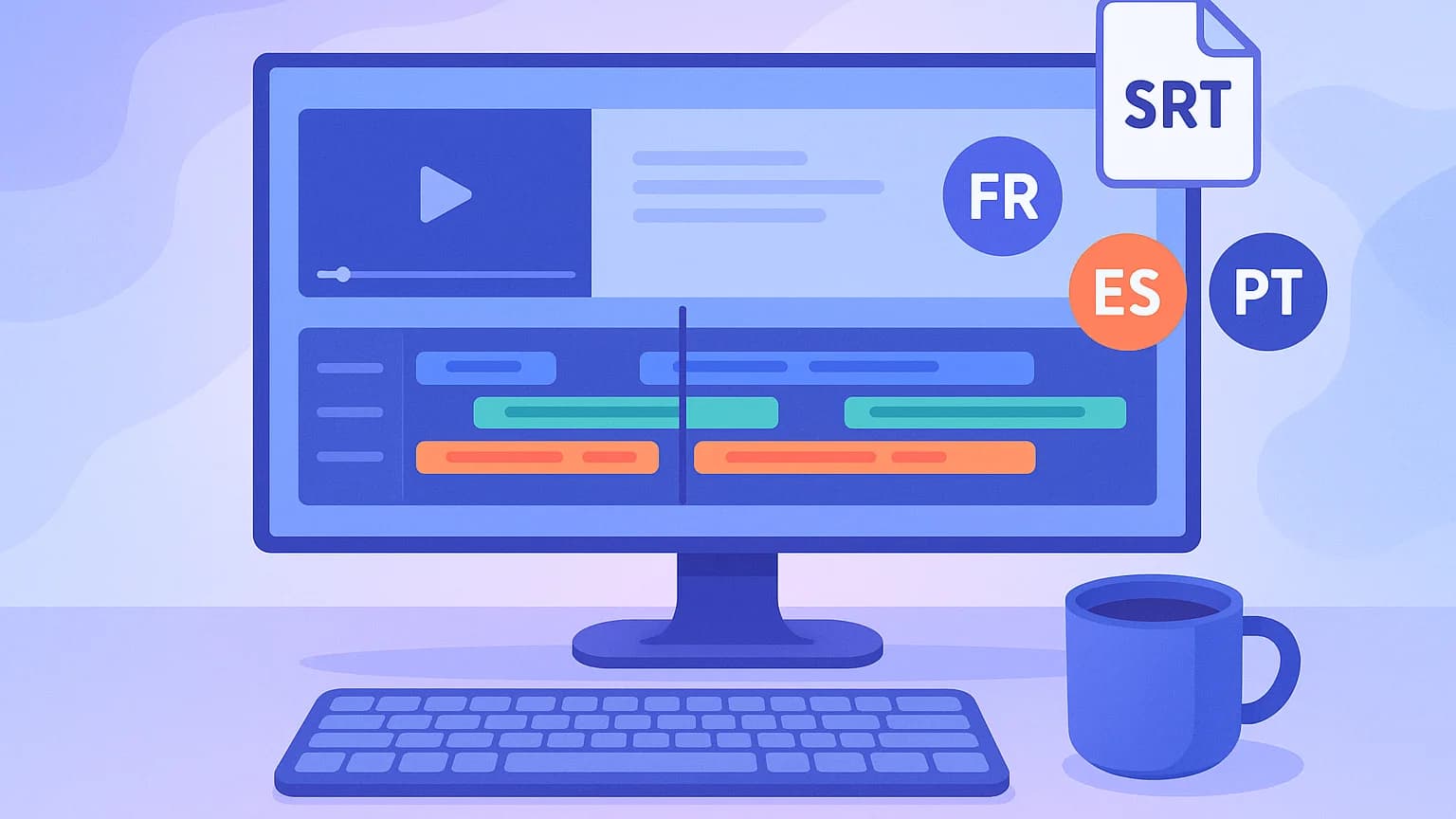
Here's the workflow that balances speed, cost, and quality. It combines AI automation with human judgment where it matters most.
Step 1: Generate accurate source-language subtitles. Start with the best transcription you can get. Don't rely on YouTube's 70%-accurate auto-captions as your source. Use a dedicated tool — MagicClip generates word-synchronized subtitles that give translation tools clean, timestamped text to work with.
Step 2: Export as SRT or VTT. SRT is the universal standard. VTT is preferred for web embedding. Both preserve timestamps. Export from your transcription tool before translating.
Step 3: Translate with an AI tool. Upload your SRT to VEED, HappyScribe, or DeepL. Select the target language. Translation typically takes under 2 minutes for 10 minutes of content.
Step 4: Review and correct. AI handles straightforward sentences well but stumbles on idioms, humor, slang, and technical jargon. Budget 10-15 minutes to review 10 minutes of translated subtitles. That's 30-50% faster than translating from scratch (SDL/TAUS Research).
Step 5: Import and publish. Upload translated SRT files to YouTube Studio, add them to your TikTok exports, or burn them into the video with your editor. On YouTube, combine translated subtitles with multi-language audio tracks for the best viewer experience.
This hybrid AI + human review workflow is the industry standard in 2026. Pure AI is fast but imperfect. Pure human is perfect but slow and expensive. The combination delivers professional quality at creator-friendly prices.
Sources
- Post-editing AI translation is 30-50% faster than translating from scratch — SDL/RWS Research, TAUS (2024)
The data: how translated subtitles boost your numbers
The ROI of multilingual subtitles is backed by hard numbers from multiple sources.
+80% more views. Videos with captions see an average 80% increase in views compared to uncaptioned equivalents, according to data compiled by Amberscript from PLYMedia studies. Subtitles make your content discoverable by search engines in every translated language — it's free video SEO.
+13.48% views in 2 weeks. 3Play Media measured this gain on YouTube videos after captions were added. The effect is immediate and compounds over time as the content ranks in new language markets.
6 million viewers per day consume auto-dubbed content on YouTube (YouTube Blog, February 2026). Those viewers expect matching subtitles in their language — not the platform's 70%-accurate auto-translations.
+42% viewer retention for dubbed short-form videos compared to subtitle-only versions on TikTok (AdVerge, Q1 2025). But subtitles remain essential for the 75-85% of viewers watching on mute and for deaf or hard-of-hearing audiences.
The math is straightforward. Adding English, Spanish, and Portuguese subtitles to French-language content can multiply reach by 5-10x (Klipa). For YouTube creators, pairing translated subtitles with quality content is a proven growth strategy — see our YouTube creator setup guide for the production side.
The AI video localization market is projected to hit $7.4 billion by 2029 (Grand View Research). The tools are cheaper and better than ever. The only question is whether you'll capture that multilingual audience before your competitors do.
Sources
- +80% views with captions/subtitles — PLYMedia / Amberscript (2024)
- +13.48% views in 2 weeks after adding captions — 3Play Media (2024)
- 6 million daily viewers for auto-dubbed YouTube content — YouTube Blog (2026)
- +42% viewer retention for dubbed vs subtitle-only on TikTok — AdVerge / TokPortal (2025)
- Adding 3 languages can multiply reach by 5-10x — Klipa (2026)
- AI video localization market projected at $7.4 billion by 2029 — Grand View Research / Keevx (2026)